Eduroam
Georgia Tech is a participating member of eduroam, a secure, worldwide wireless network developed for the international research and education community.
Visitors from other eduroam-participating institutions can connect to the eduroam wireless network across Georgia Tech’s campus using the same credentials and configuration they use at their home institution—no additional setup should be required.
Georgia Tech students, faculty, and staff can follow instructions from OIT to set up their devices for eduroam access.
Free Guest Wi-Fi Using GTvisitor
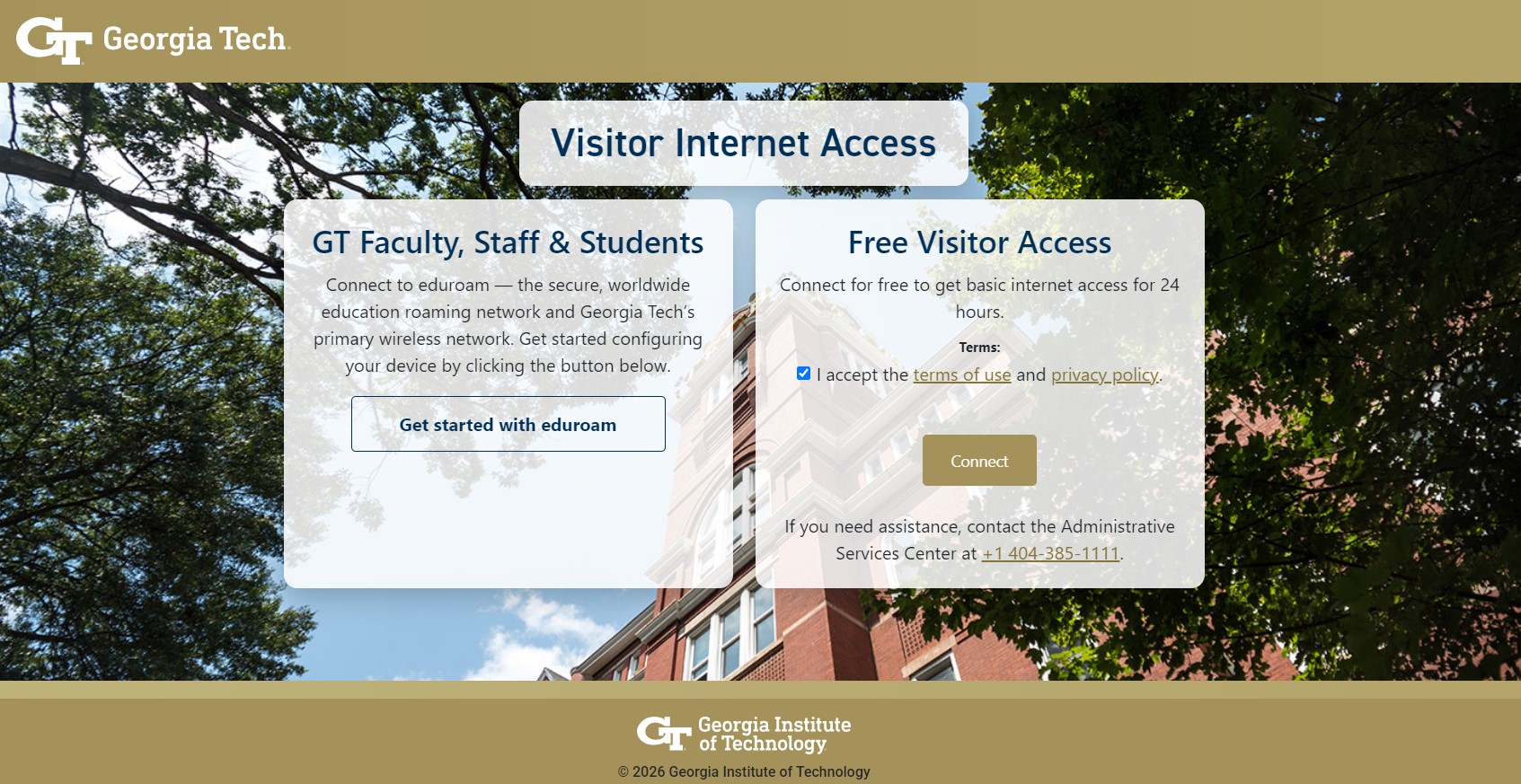
Free Wi-Fi is available to all guests who visit the Georgia Tech campus. To connect to the visitor internet access:
- On your device, locate and connect to the SSID "GTVisitor".
- Next, a page webpage should load prompting you to accept the terms of use and privacy policy. If you are using a laptop, you may need to open a browser page first and attempt to navigate to a new website. Mobile devices should automatically bring up the login page or show a message stating you need to login.
- Once the terms of use and privacy policy are accepted, you may select the "Connect" button and the device will be connected for 24 hours.